Google's VP of Search Explains AI Mode and AI Search Query Fan-Out
Robby Stein, VP of Product for Google Search, explains how AI Mode uses Gemini 2.5 Pro to fan out dozens of queries per question, how Deep Search runs hundreds of research queries in minutes, and why visual search grew 70% year-over-year — insights that reshape how developers build AI-powered search.
Robby Stein, VP of Product for Google Search, tells Logan Kilpatrick that Google Search now serves 1.5 billion users per month with AI experiences powered by Gemini 2.5 Pro. AI Mode uses query fan-out to generate and execute dozens of Google searches per question. Deep Search runs hundreds of queries for complex research tasks. Visual search, the fastest-growing input type, is up 70% year-over-year.
Video Summary
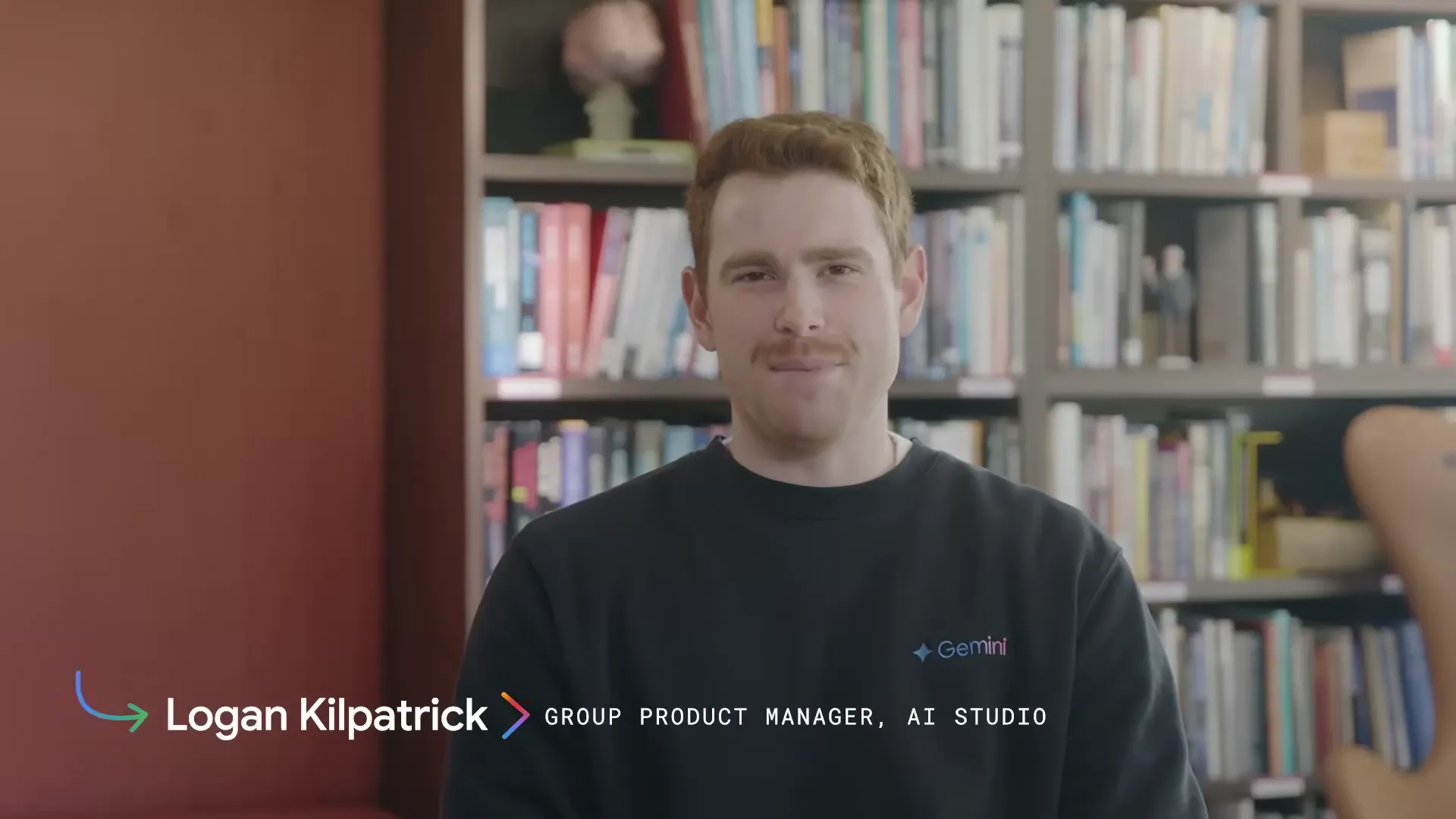
Robby Stein, VP of Product for Google Search, sits down with Logan Kilpatrick from Google DeepMind on the Release Notes show. The topic: how Google Search became what Stein calls "a frontier AI product." Over 43 minutes, they walk through the technical architecture behind AI Overviews, AI Mode, and Deep Search. These are three tiers of AI-powered search, each tuned for a different level of query complexity. Stein reveals that AI Mode runs a custom version of Gemini 2.5 trained specifically for search, using "query fan-out" where the model generates and fires off multiple Google searches on the user's behalf. The hard numbers: 1.5 billion monthly AI search users, visual search growing 70% year-over-year, 50 billion products updated 2 billion times per hour. They also get into Search Live (voice-based conversational search), Gmail-based personalization, and Project Mariner for agentic search actions.
Key Insights
-
Google Search is now the world's largest AI product. 1.5 billion users per month interact with AI-powered experiences through AI Overviews, AI Mode, visual search, and voice search. Stein calls this "the largest scale distribution of Gemini across Google, probably of any AI product."
-
AI Mode runs a custom Gemini 2.5 model trained specifically for search. Google didn't drop the standard Gemini 2.5 Pro into a search box. The Search and DeepMind teams built a custom version that "understands how to use and see search information, understands signals from search, understands how the knowledge base works." Training includes agentic RL focused on factuality and quality.
The goal is for billions of people around the world to truly ask anything of search and to get great high quality information and access to the world and the web.

-
Query fan-out is the core technical pattern behind AI Mode. When you type a question, the model generates multiple Google search queries internally. Think of a developer programmatically issuing parallel API calls. For "things to do in Nashville with a group," it fans out to restaurants, bars, kid activities, and more, then synthesizes results.
-
Deep Search runs hundreds of queries and takes minutes, not seconds. Comparing universities? Researching a complicated purchase? Deep Search creates a plan, executes dozens to hundreds of queries, and delivers a structured report. It notifies you when it's done. Basically a background research assistant.
-
Visual search is up 70% year-over-year and is the fastest-growing part of search. Users take photos via Google Lens, screenshots, or Circle to Search, and the model identifies objects, finds shopping matches, and answers homework questions. This is particularly popular with younger users.
We're seeing people who use their camera to ask questions. They might take a picture through Google Lens, through the apps. They might take a screenshot or use Circle to Search on Android. This is one of the fastest growing parts of search. It's actually up 70% year over year.

The model has state of the art performance. It's this great mirroring of what users want, a product experience that makes it really simple, and then actually the core model is fundamentally the best model in the world at multimodal.
-
The right model size per query is an active product decision. Simple questions get fast, small models. Complex multi-step questions trigger frontier reasoning models. Stein gave the example of a model unnecessarily "thinking and planning" to count seven words — you don't need deep reasoning for that.
-
Personalization is coming through Gmail and personal context. With user opt-in, search will access your email, Drive, and purchase history to give responses shaped by your preferences. Shopping queries could reference past purchases; restaurant queries could reflect your taste profile.
-
Project Mariner brings agentic actions to search. Built on Gemini infrastructure, it lets search take actions on your behalf: checking availability, filtering options, presenting confirmed choices. It handles the frustrating "is this actually available right now?" problem that wastes everyone's time.
I run WebSearchAPI.ai, which gives developers programmatic access to web search results and real-time data. When Google's VP of Search describes how AI Mode works internally (query fan-out, real-time tool calls to Finance and Shopping, synthesizing results from multiple sources) he's describing the exact pattern that AI developers need in their own applications. I spent two days with this 43-minute conversation, rewatching sections, cross-referencing the I/O announcements, and pulling out what actually matters for developers building AI-powered search.
What Makes Google Search a "Frontier AI Product"?
Stein breaks it down into three layers. First, a model that understands the web and all of Google's information systems. Second, experiences that make that information easy to consume. Third, operating at a scale that he calls "fairly unprecedented."
The numbers make the case on their own. Google Search serves 1.5 billion users per month with AI-powered experiences, including AI Overviews, multimodal visual and voice search, and the new AI Mode. Stein puts it simply: "Google Search is the largest AI product in the world."
There's about 1.5 billion users everywhere using Google Search and our AI experiences now per month. So that includes AI overviews, multimodal experiences where you take a picture or use voice, and then see an AI response.
What's changed is the input expectation. Users can now paste a block of code, type a multi-sentence question with constraints ("restaurant for a group, one person has an allergy, no barbecue"), or take a photo of books on a shelf and ask for recommendations. The model routes each query to the appropriate complexity tier.
How Does Query Fan-Out Work in AI Mode?
This is what separates AI Mode from a chatbot that can Google things. When you type a question, the model doesn't run one search. It generates a batch of Google search queries and fires them off in parallel, pulling from Google's real-time information systems.
According to Stein, "the model generates a fan-out of Google search queries. It effectively uses Google search as a tool." For a question like "things to do in Nashville with a group," the model might generate separate queries for restaurants, bars, family activities, and nightlife, execute all of them, and then synthesize a single coherent response.
If you've built an AI agent that calls a search API multiple times with different parameters to gather information, you've built the same pattern. The model is the orchestrator. The search queries are the tools.
| Feature | AI Overviews | AI Mode | Deep Search |
|---|---|---|---|
| Trigger | Automatic on relevant queries | User selects AI Mode pill | User invokes deep research option |
| Model | Gemini (standard) | Custom Gemini 2.5 for search | Extended reasoning model |
| Queries generated | 1-2 | Dozens (fan-out) | Hundreds |
| Response time | Instant | Seconds | Minutes |
| Follow-up questions | No | Yes | Report delivered asynchronously |
| Availability | 200+ countries | US and India | Available in AI Mode |

How Does Deep Search Handle Complex Research?
Deep Search pushes the fan-out pattern to its limit. It makes a plan, executes dozens to hundreds of queries, and returns a structured research report. You can watch it work in real time or just leave. If you close the tab, it drops the finished report into your history with an unread badge.
Stein's own example: buying a safe for important documents. Fire safety ratings he didn't understand. Insurance implications. Burglary protection codes. Product recommendations. Deep Search spent a few minutes on it and came back with a multi-section report, a framework for each decision factor, and specific product links with reviews.
It spent a few minutes looking up information, and it gave me this incredible response where it had different sections. Here's how you have to think about this. And it would do that for each of the areas. We think it would save you hours of research, potentially, with one query.
Worth noting: Deep Search uses the same tools as AI Mode. Same engine, same query fan-out. The difference is permission to spend more compute and more time per question.
Why Is Gemini 2.5 Pro a Big Deal for Search?
Model upgrades now flow into search "extremely quickly," according to Stein. The rebasing process (swapping in a new model generation) has been engineered for speed. Frontier model capabilities reach 1.5 billion users faster through search than through any other product at Google.
The real product question is which model to use for which query. Simple questions get instant responses from smaller models. A question about comparing two universities for your kid? That gets the full Gemini 2.5 Pro treatment, even if it takes a few extra seconds.
With 2.5 Pro coming in, obviously it takes longer to answer certain queries. How do you think about that from a product experience perspective, where to draw the line?
You want to find the balance of the right model size given the need. Some questions just don't need a really advanced model. For very simple questions, people expect instantaneous responses. If you ask me to compare two universities, that might take a few seconds, and that might be completely okay because it's a big decision.
Stein told a funny story about a model that went into full planning mode just to write a seven-word sentence. "Thinking, making a plan, producing an outline, checking work, fixing a mistake." For a seven-word sentence. The point: the most expensive model isn't always the right one. The routing layer that decides which model handles which query matters just as much as the models themselves.
How Is Visual Search Growing 70% Year-Over-Year?
This one surprised me. Visual search is growing faster than any other part of Google Search. People take photos through Google Lens, screenshots via Circle to Search, and photos of random things in their environment. Up 70% year over year, according to Stein, and "particularly popular with younger users."
Three use cases dominate:
- Shopping — Taking screenshots from social media, YouTube, or magazines and asking "what's this outfit?" or "find me shoes like these"
- Homework — Photographing problems and getting step-by-step help with visual segmentation of questions
- World understanding — Identifying flowers, buildings, plaques, and books in the physical environment

Stein gave a great breakdown of the technical complexity hiding behind a simple visual search. He described searching for a rug pattern: the model has to identify what a rug even is in the image, figure out where the rug ends and the wall starts, extract the pattern, search a visual corpus for matches, and then handle follow-ups like "but I want colorful." That last part is wild. The word "colorful" has to get mapped from language into visual representation space. That's where Google's decades of image recognition work meets Gemini's multimodal training.
What Is Search Live and How Does Conversational Search Work?
Search Live, announced at Google I/O, is voice-based conversational search. Same model underneath, same query fan-out and tool use, but tuned to be "pithy, conversational, and have a back and forth with you."
The use case Stein keeps coming back to: you're driving, planning a trip by voice, refining preferences in real time. You get home, open the same thread in AI Mode on your couch. Next day at work, you go deeper on a full monitor. One conversation across three devices and two input modalities.
We've recently shipped an experiment for Search Live, which allows you to have a natural conversation with search. If I'm in the car, I can just talk to Google and work on a project. When I get back home, I can go back into that thread in AI mode and keep going. And at work, I could go deeper the next day with a full monitor.
That cross-device continuity is hard to replicate outside Google's ecosystem. Your conversation history and user context stick around because they're all stored in the same Google account infrastructure.
How Does Google Search Use Real-Time Tools?
This is the part I rewatched three times. Stein describes how AI Mode's model makes real-time tool calls to Google's information systems. The model calls structured APIs for live data, not just web search results.
Here's what the model can tap into:
- Google Finance — Real-time stock prices and trend data
- Google Shopping — 50 billion products, updated 2 billion times per hour by merchants
- Knowledge Graph — Trillions of facts in Google's knowledge panels
- Maps and local data — Restaurant locations, hours, photos, reviews
- Flight data — Pricing and availability from Google Flights
We've integrated most of the real time information systems that are within Google. It can make Google Finance calls. 50 billion products in the shopping graph. It's updated 2 billion times every hour. All that information is able to be used by these models now.
This is the pattern worth studying if you're building AI products. Google's model doesn't generate answers from training data alone. It calls tools for real-time information. If your AI app needs current prices, stock data, or product availability and it's relying solely on what the model memorized during training, the answers are stale by definition.
At WebSearchAPI.ai, we provide the programmatic search layer for this same tool-use pattern. When your AI agent needs to fan out queries and gather real-time web data, it needs an API that returns structured results fast enough for the model to work with.

How Is the Search Interface Evolving?
Adding the AI Mode pill to the google.com search box was a bigger product moment than it sounds. Stein says it drove more awareness of AI Mode than any previous launch. Makes sense. They changed the front door of the most iconic page on the internet.
Click that pill and "the whole site morphs into this AI-led experience. The box gets larger. It has natural language suggestions. It allows you to add different primitives into the input."
Here's a counter-intuitive finding: users who ask longer questions have the best experiences. One-word queries don't benefit much from AI. Two-sentence questions with constraints? That's where AI Mode shines. This led Google to add onboarding that teaches users to "just ask normal questions." Full sentences. Multiple constraints. Natural language. Most people don't realize you can put a 20-sentence question into Google now, but you can.
How Will Personalization Change AI Search?
Personalization is where things get really interesting. Starting with Gmail integration (opt-in), search will know your personal context: what you've bought, brands you prefer, places you've been.
Stein drew a clear line on where personalization applies. Ask "What happened during World War Two?" and you get the same answer everyone else gets. Ask "What should I eat for date night?" and your results will be different from mine. Factual queries stay universal. Preference queries get personal.
Obviously search has access to a bunch of stuff I've looked up in the past. My email is there, my Drive stuff is there. Google's got lots of interesting data that with my permission you can use to give me a really unique experience.
Similar to how the model has learned to use Google's information systems, we're teaching it how to access information about you. And to do a similar process to think about it and potentially do follow-up questions to pull certain information that could be useful for a given query.
Same architectural pattern as everything else in this conversation. The model treats your personal data as another tool. It makes follow-up queries against your email and preferences the same way it makes follow-up queries against the web.
What Does the Agentic Future of Search Look Like?
Stein had the best take I've heard on the "AI agent that books flights" meme. The last mile (tapping two buttons to confirm) isn't the problem. The friction is everything before that.
You want to go to a movie. You research which one. Find showtimes. Try to book. Sold out. Start over. Same problem with restaurants, hotels, and travel. Change your dates by one day and you have to redo the entire search to see what's still available. That's the actual pain point.
If you were to say, where should I eat dinner Saturday at 8 with my partner, and you actually had the agent ping for availability, make it part of the response — now it's helpful. These actually are available at these times. The way we're approaching it, we don't even think the booking part itself is worth doing necessarily. The user wants control ultimately.
Stein's solution: the agent checks availability and presents only confirmed options. The user completes the final action with one tap. Google is building this through Project Mariner, their agentic search layer on top of Gemini infrastructure. If you want to see the browser side of this agentic vision, Gemini in Chrome's Auto Browse is the same idea applied at the browser level — another Release Notes conversation from the same week.
Can Search Create Software On-the-Fly?
This was the wildest part of the conversation. Stein floated the idea that search could build bespoke software to answer questions that don't have existing answers. His example: you ask for market research and the model "signs up for things, launches a survey, needs twenty minutes, runs the campaign, analyzes the data." All from a search query.
He also shared something he saw in a debug environment. He asked a hard question about travel logistics. Under the hood, the model "ended up invoking Python and using code to do math, wrote code to do some calculations." Search didn't find the answer. It computed it.
What Does This Mean for Developers Building AI Search?
I've been building search infrastructure for AI applications at WebSearchAPI.ai, and Stein basically described our roadmap from Google's perspective. Here are the patterns that matter if you're building in this space:
-
Query fan-out is essential. One search query is almost never enough. Your AI app needs to break user questions into multiple targeted searches and synthesize results. That's what our API enables, and it's what Google does internally with AI Mode. If you're new to this space, our guide to web search APIs for AI agents covers the fundamentals.
-
Real-time data wins. Google's model calls live APIs for stock prices, product availability, and local business data. If your AI app relies solely on training data, it's giving stale answers.
-
Model routing matters as much as model quality. Google uses different model sizes for different query complexities. Build similar routing. Small, fast models for simple queries. Expensive reasoning models only for the hard stuff.
-
Structured tool use beats raw search. Google's model calls structured APIs for finance, shopping, and maps data. Your model should do the same: decide which tool to call, format the query, retrieve structured data, synthesize.
-
The web is getting bigger, not smaller. Stein said content creation and publishing are growing. More data available through search APIs, more opportunity for AI to extract and synthesize, and a growing need for quality signals to filter what matters.
Frequently Asked Questions
What is Google AI Mode and how is it different from regular search?
AI Mode is a separate search experience you activate by clicking the "AI Mode" pill on google.com. Unlike regular search (which returns a list of links) or AI Overviews (which show a brief AI summary above results), AI Mode uses query fan-out to generate dozens of Google searches from your single question, then synthesizes everything into one response with citations. You can ask follow-up questions. It's powered by a custom version of Gemini 2.5 built specifically for search, and it's currently available in the US and India.
How many people use Google's AI search features?
According to Robby Stein, VP of Product for Google Search, 1.5 billion users per month interact with Google's AI experiences. That includes AI Overviews, AI Mode, visual search through Google Lens and Circle to Search, and voice-based Search Live. Stein called Google Search "the largest AI product in the world."
What is query fan-out and why does it matter?
Query fan-out is the pattern where AI Mode takes your single question and breaks it into multiple Google search queries that run in parallel. Ask "things to do in Nashville with a group" and the model might generate separate searches for restaurants, bars, kid-friendly activities, and nightlife, then combine all the results. It matters because this is the same architecture developers use when building AI agents that need web data, just through a search API instead of internal Google systems.
What is Google Deep Search?
Deep Search is the most compute-heavy tier of AI search. You invoke it manually for complex research questions. It creates a research plan, executes dozens to hundreds of queries over several minutes, and delivers a structured report. If you leave the page, it drops the finished report into your search history with a notification. Stein compared it to asking a research assistant to spend hours on your behalf, compressed into one query.
How does Google decide which AI model to use for my search?
Google routes queries to different model sizes based on complexity. Simple questions ("weather in New York") get instant responses from smaller, faster models. Complex questions involving math, coding, or multi-step reasoning get the full Gemini 2.5 Pro treatment, which takes longer but gives better results. Stein's example: you don't need a frontier reasoning model to count seven words in a sentence.
What is Project Mariner?
Project Mariner is Google's agentic search technology built on Gemini infrastructure. It lets Google Search take actions on your behalf, like checking restaurant availability or comparing hotel options across different dates. The key design philosophy: the agent does the research and availability checking, but the user always makes the final decision with one tap. Google isn't trying to auto-book things for you.
How will Gmail personalization work in Google Search?
With opt-in permission, Google Search will access your Gmail data to personalize responses. If you're shopping for something you've bought before, it could reference your purchase history. Restaurant recommendations could reflect your past preferences. Stein drew a clear line: factual queries ("What happened in World War Two?") stay the same for everyone. Preference-based queries ("What should I eat for date night?") get personalized based on your data.
Why is visual search growing so fast?
Google Lens and Circle to Search grew 70% year-over-year, making visual search the fastest-growing part of Google Search. Three use cases drive this: shopping (screenshot an outfit from Instagram and find where to buy it), homework (photograph a problem and get step-by-step help), and world understanding (point your camera at a flower, building, or book and get information). Stein says it's especially popular with younger users because taking a photo is more natural than typing a query.
Key Takeaways
- Google Search serves 1.5 billion monthly users with AI experiences. That's the world's largest deployed AI product
- AI Mode uses query fan-out with a custom Gemini 2.5 model, generating and executing dozens of search queries per user question
- Deep Search goes further: hundreds of queries, minutes of compute, structured report delivered asynchronously
- Visual search through Google Lens and Circle to Search is up 70% year-over-year. Main use cases: shopping, homework, and identifying things in the real world
- Search Live lets you talk to Google Search by voice, then pick up the same thread on a different device later
- The model calls live APIs: Google Finance, Shopping (50B products), Knowledge Graph (trillions of facts), Maps
- Gmail-based personalization (opt-in) will make search responses unique per user for preference-based queries
- Project Mariner handles agentic actions with a clear philosophy: the model does the research, the user keeps control
I watched Building a frontier AI search experience on Google for Developers three times over two days, timestamped every quote, cross-referenced against the I/O 2025 keynote and Stein's LinkedIn posts, and distilled 43 minutes of conversation into the developer-relevant insights above. If you're building AI products that need web data, the patterns Google described here are the ones to study.